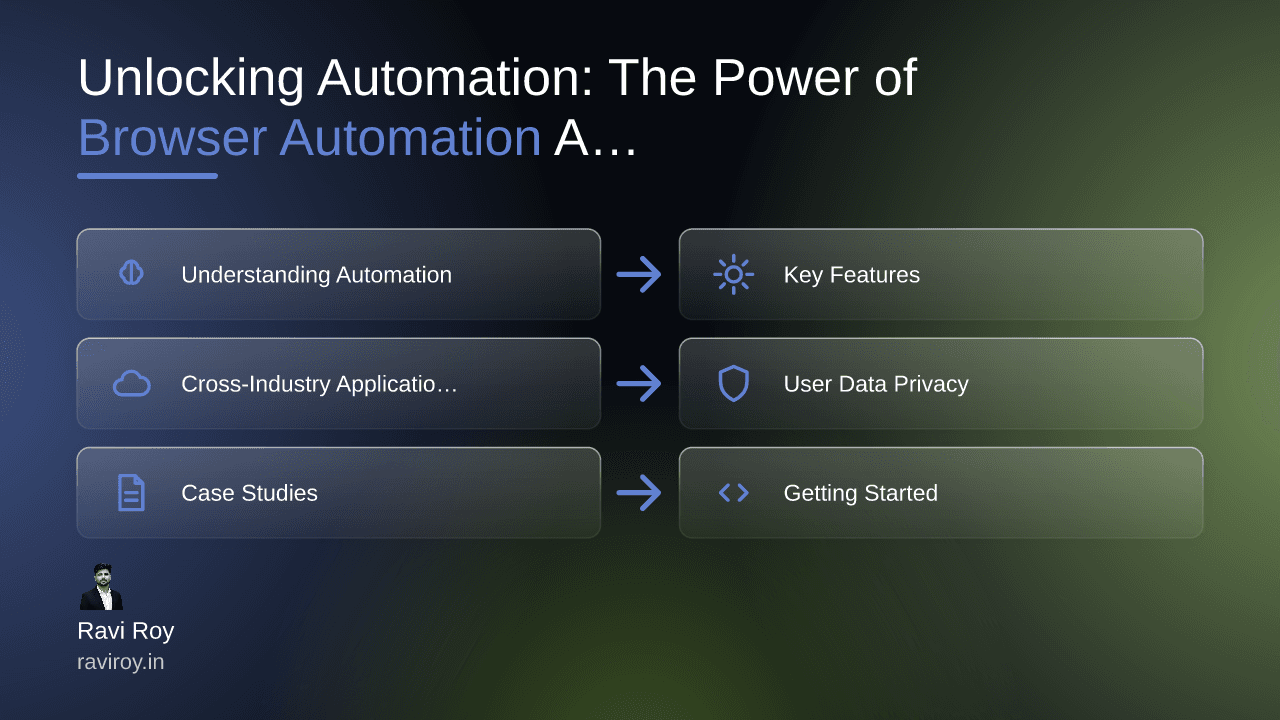
Unlocking Automation: The Power of Browser Automation Agents
Automation isn't just a buzzword; it’s a revolutionary shift in how developers manage their workflows. Imagine executing tasks that typically consume hours of manual effort, all at the click of a button. Enter browser automation agents, your new best friend in efficiency.
Understanding Automation in Development Workflows
What are Browser Automation Agents?
Browser automation agents are software tools designed to mimic human interactions with web browsers. They can automatically execute tasks such as filling out forms, clicking buttons, or scraping data from websites. Popular tools like Selenium, Puppeteer, and Playwright streamline repetitive tasks, enabling developers to focus on high-value activities rather than mundane click-and-type processes.
Why Use Automation in Development?
The benefits of integrating automation into your development workflow are numerous:
Speed: Automated processes run faster than human intervention, making it possible to execute tasks in seconds that would typically take hours.
Efficiency: Resources can be better allocated, and multi-tasking becomes seamless.
Error Reduction: Automation minimizes the risk of human errors that can occur during manual data entry or analysis.
By incorporating these agents into your day-to-day operations, you’ll see a remarkable increase in productivity.
Key Features of Browser Automation Tools
AI-Driven Automation
Modern browser automation tools leverage artificial intelligence to optimize operations. For instance, AI-driven tools can adapt to varying conditions, improving task execution by learning from past interactions. This adaptability stems from machine learning algorithms that analyze and refine process flows continually, making your automation smarter over time.
Integration with Large Language Models
Tools like OpenAI Codex transform automation processes by integrating language models that comprehend natural language. This allows developers to describe tasks in plain English, which the automation agents then execute. Imagine simply stating, “Scrape the latest product listings from e-commerce websites,” and watching the code generate automatically.
Stateful Workflows
One significant feature of browser automation tools is their ability to maintain state throughout sessions. Stateful workflows ensure that data from one task can be stored and leveraged in subsequent tasks, making processes smoother and more coherent. This is especially useful in applications where session persistence is critical, such as e-commerce checkouts or multi-page forms.
Cross-Industry Applications of Automation
Web Scraping vs. Beyond
While web scraping is often the first application that comes to mind, the scope of browser automation extends well beyond collecting data. In industries like healthcare, financial institutions automate compliance checks, process claims, and manage patient records, which can be both time-consuming and error-prone if done manually.
Use Cases in Various Industries
E-commerce: Automating inventory management and price comparisons saves time.
Healthcare: Streamlining patient data entry or managing appointment scheduling reduces administrative burdens.
Finance: Processing transactions and monitoring market changes in real-time enhances efficiency.
The difference between traditional scraping and modern automation is that the latter is multi-faceted and adaptable to various needs, allowing for a more holistic approach to workflow enhancement.
User Data Privacy and Security in Automation
Challenges with Data Privacy
As automation becomes ubiquitous, it raises significant concerns regarding data privacy. Automated tools can inadvertently expose sensitive user data if not correctly configured or monitored. Issues related to consent and data breaches can arise when scraping websites without permission or interacting with sensitive information.
Best Practices for Secure Automation
To ensure user data safety, consider implementing the following best practices:
Consent: Always obtain permission before scraping or using data from external sources.
Encryption: Utilize encryption methods for data storage and transfer to mitigate risks.
Regular Audits: Conduct periodic assessments of your automation processes to identify and rectify vulnerabilities.
By prioritizing privacy, you not only safeguard user data but also build trust with your audience.
Case Studies in Automated Development Tasks
Success Stories
Numerous companies have embraced browser automation to optimize workflows. For instance, a leading e-commerce platform utilized automation agents to streamline its pricing strategy, allowing it to adapt prices in real-time based on market fluctuations. As a result, the platform saw a 30% increase in transaction speed and a 20% reduction in manual errors.
Lessons Learned
However, transitioning to automation is not without challenges. Companies often face teething issues, such as integrating new tools with legacy systems. One lesson learned is that fostering a collaborative culture between developers and data teams can facilitate a smoother transition, enabling a shared understanding of goals and potential roadblocks.
Getting Started with Your Own Automation
Choosing the Right Automation Tool
Selecting the ideal browser automation tool can be daunting, given the plethora of options available. Here are criteria to consider:
Ease of Use: A simple user interface and good documentation can significantly accelerate the learning curve.
Community Support: Tools with active communities offer resources and troubleshooting assistance.
Integration Capabilities: Ensure compatibility with your existing tech stack.
Implementing Automation in Your Workflow
Once you've chosen a tool, follow these steps to integrate automation into your workflow:
Identify Repetitive Tasks: Document which tasks consume the most time and could benefit from automation.
Pilot the Automation Tool: Start small by automating one task and gradually expand to more complex operations.
Evaluate Performance: After implementation, continually assess the effectiveness of your automated tasks, gathering user feedback and adjusting as necessary.
Browser automation agents can serve as invaluable assets in your development arsenal. The key is to start small and scale gradually, learning from each step in the process.
Have you implemented browser automation in your workflow? Share your experiences and the tools that work for you. What challenges did you face and how did you overcome them?
💬 Join the conversation — share your take in the comments and tell us what you’d add.