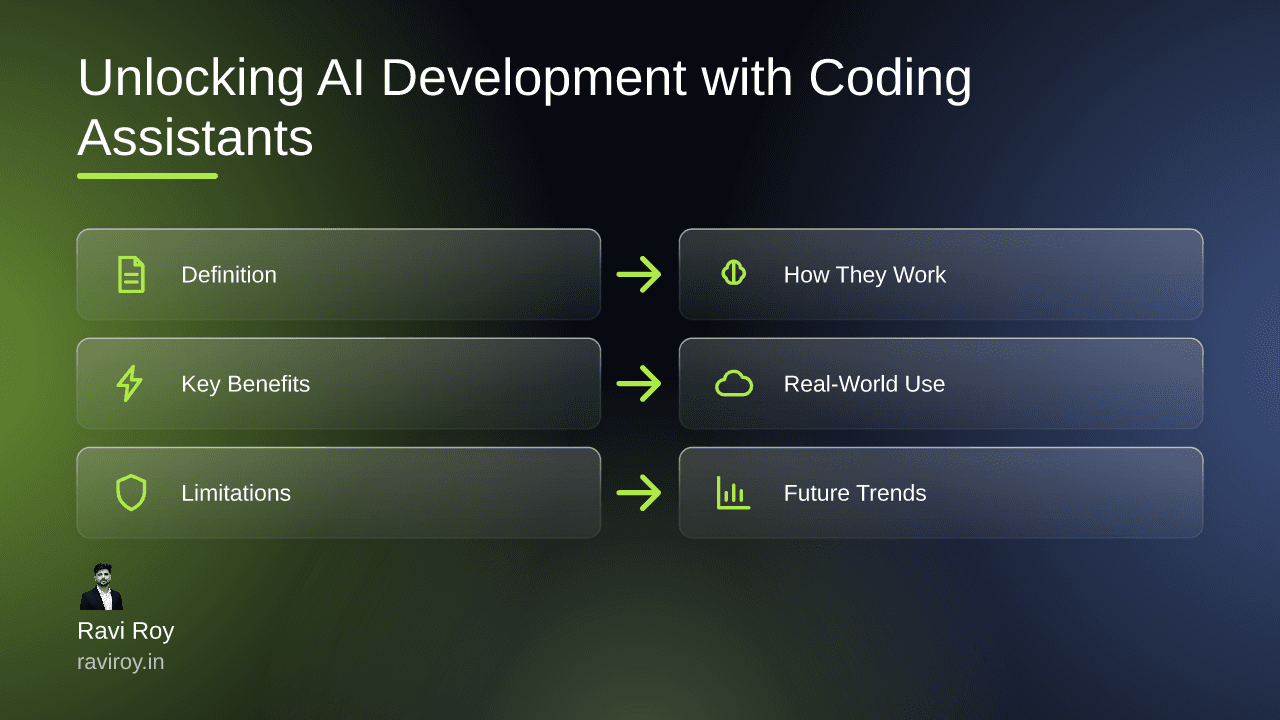
Unlocking AI Development: The Power of AI Coding Assistants
Imagine slashing your coding time in half while enhancing code quality at the same time. Welcome to the world of AI coding assistants, your new best friends in software development. These powerful tools leverage machine learning to assist you in writing code, making your development process not just faster but smarter.
What Are AI Coding Assistants?
Defining AI Coding Assistants
AI coding assistants are innovative tools that utilize machine learning algorithms to support various coding tasks. From suggesting code snippets to debugging your work, they help bridge the gap between human creativity and machine efficiency. Notable examples include GitHub Copilot, Tabnine, and Kite, each designed to offer different functionalities aimed at enhancing the coding experience.
Key Features of AI Coding Assistants
Code Suggestions: They predict and suggest code snippets based on your current work.
Autocomplete Functions: Intelligent auto-completion saves you time and reduces errors.
Debugging Capabilities: These tools can identify potential errors and offer solutions, allowing you to fix issues seamlessly.
Using these features, developers can enjoy a more streamlined coding process, freeing them to focus on creativity and problem-solving.
How Do AI Coding Assistants Work?
The Underlying Technology
At the heart of AI coding assistants lies advanced natural language processing (NLP) and machine learning algorithms. They analyze billions of lines of code along with a user’s input to deliver contextually relevant suggestions. For instance, if you’re coding a function in Python, the assistant can identify patterns from your existing code and anticipate what you’re going to write next.
Integration in Development Environments
Most AI coding assistants integrate directly with Integrated Development Environments (IDEs) like Visual Studio Code or JetBrains. This integration allows for real-time assistance, enabling developers to receive suggestions as they type. By analyzing both existing code and user prompts, these assistants provide tailored recommendations that can significantly speed up the development process.
Benefits of Using AI Coding Assistants
Increased Productivity
By automating repetitive tasks, AI coding assistants can dramatically reduce the time it takes to write code. For example, rather than searching through documentation or writing boilerplate code from scratch, a developer can simply allow the assistant to complete these tasks. Studies show that teams adopting these tools have reported a reduction in project turnaround times by as much as 30%.
Reduced Errors
The risk of bugs and errors is an unfortunate part of the coding process. However, AI coding assistants can help minimize these risks. Intelligent code suggestions are often tailored to industry best practices, enabling developers to catch potential errors before they become an issue. This feature not only enhances the quality of the code but also reduces time spent on debugging.
Enhanced Learning Opportunities
For less experienced developers, AI coding assistants serve as invaluable educational resources. They can explain code snippets, provide examples, and even suggest libraries or functions that are useful for specific tasks. As developers interact with these tools, they naturally evolve, leading to increased proficiency over time.
Real-World Applications and Case Studies
Case Study: A Startup’s Experience
Consider a startup that implemented an AI coding assistant in its development workflow. Initially facing tight deadlines and limited resources, the team saw project turnaround times improve significantly. By automating repetitive coding tasks and leveraging intelligent suggestions, they were able to release features more quickly and with greater confidence in code quality.
Comparative Performance Analysis
In performance metrics comparing manual coding and AI-assisted coding, the results are striking. Teams using AI coding assistants generally achieve 25% faster completion rates along with a noticeable decrease in bugs reported post-deployment. By quantifying these improvements, companies can better assess the return on investment associated with integrating AI tools into their workflows.
Limitations and Challenges of AI Coding Assistants
Understanding the Boundaries
While AI coding assistants offer numerous benefits, they are not infallible. One significant limitation is their tendency to misinterpret context, occasionally suggesting incorrect or irrelevant solutions. This can lead to increased frustration for developers who expect the tool to provide accurate assistance.
Ethical Considerations
Another area of concern is the potential for biases within training data to skew the quality of suggestions. Developers must remain vigilant regarding ethical implications, such as over-reliance on AI for crucial coding decisions. Ensuring that human oversight remains integral to the process is vital as we navigate this innovative landscape.
The Future of AI Development with Coding Assistants
The Rise of Autonomous Agents
Looking ahead, the evolution of AI coding assistants could lead them to become autonomous coding agents that handle entire projects with minimal human intervention. Consider the potential—developing complex applications can become a significantly more efficient and streamlined process. However, this also opens up numerous questions about accountability and oversight.
Integration and Governance Needs
As we integrate AI more deeply into coding practices, robust governance frameworks will be essential. Developers will need to establish best practices that allow for the beneficial use of AI tools while maintaining ethical coding standards. The balance between innovation and responsibility will shape the future of AI in software development.
As AI coding assistants continue to evolve, it’s clear that they possess the potential to redefine software development practices fundamentally. By embracing these tools, developers can unlock unprecedented levels of productivity and creativity.
Have you used any AI coding assistants in your projects? What specific functionalities have you found most useful, or what challenges have you faced?
💬 Join the conversation — share your take in the comments and tell us what you’d add.