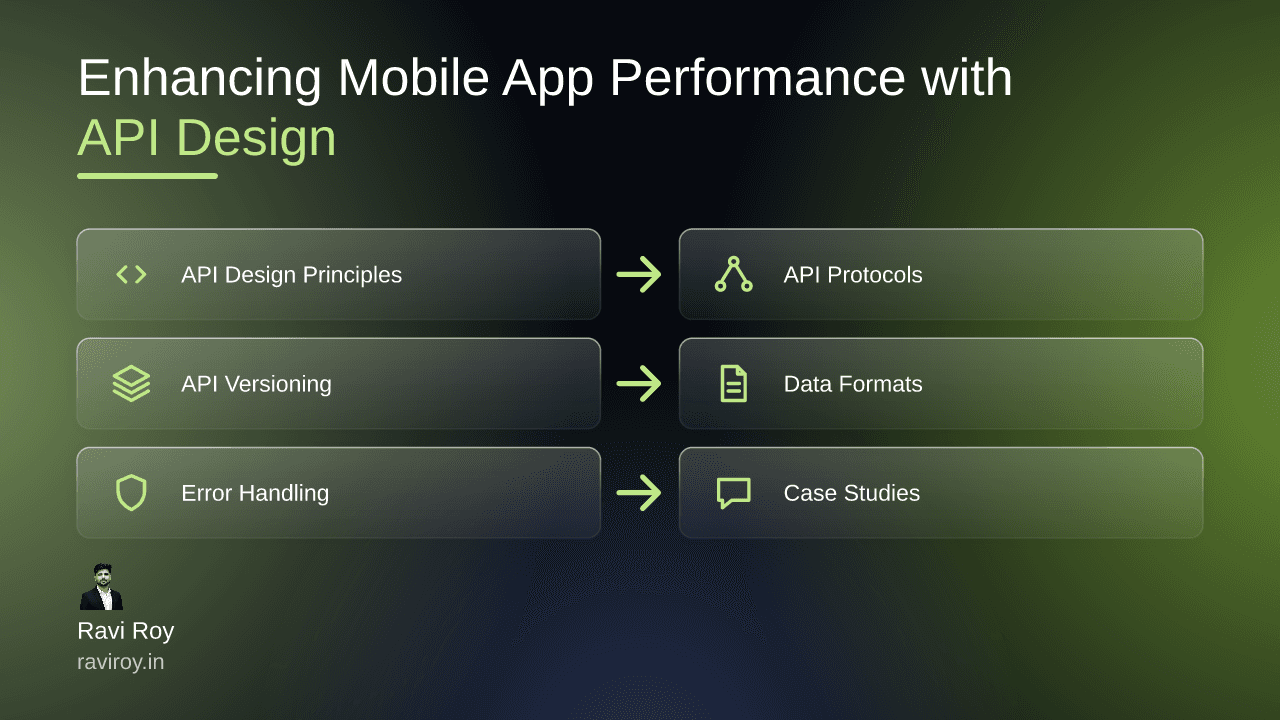
Enhancing Mobile App Performance with Strategic API Design
The success of a mobile app hinges not just on its aesthetics or usability but on the invisible threads woven by its API design. Strategic API design can make or break an app’s performance, influencing everything from data fetching speed to user satisfaction.
Understanding API Design Principles
What Is API Design?
API design refers to the creation of a set of clearly defined methods for different components of software to communicate with each other. An effectively designed API is crucial for enhancing mobile application performance, as it determines how swiftly and efficiently data can be processed and transmitted. When the API functions optimally, it leads to minimal latency, smoother user experiences, and ultimately, better retention rates.
Key Principles of Effective API Design
Several key principles underlie effective API design:
Clarity: An API should be intuitive. Developers should be able to understand its functionality at a glance without extensive documentation.
Simplicity: Keeping the API simple allows easier integration, which reduces the margin for errors and speeds up development time.
Consistency: Uniform naming conventions and predictable structures foster a more intuitive environment.
Strong adherence to these principles can drastically improve data transmission efficiency and reduce latencies. A clear, consistent API means developers spend less time troubleshooting and more time building innovative features.
The Role of API Protocols in Performance
Comparing REST and GraphQL
When it comes to API protocols, REST and GraphQL represent two distinct paradigms, each boasting its strengths. REST, or Representational State Transfer, employs endpoints for retrieving resources which can sometimes lead to over-fetching or under-fetching data. For instance, a mobile app might fetch user data, but if more data is retrieved than necessary, it can bog down performance.
On the other hand, GraphQL allows developers to specify their data requirements and fetch precisely what is needed in a single request. This efficiently streamlines data operation, preventing unnecessary data transmission.
Choosing the Right Protocol for Your Needs
Choosing between REST and GraphQL should hinge on the specific requirements of your app:
Use REST when:
You have a simple, well-defined data model.
Caching responses is critical.
Standardized API calls suit your needs.
Opt for GraphQL when:
Your data model is complex with varied relationships.
You need greater flexibility in data retrieval.
API versioning and evolvement are anticipated.
Implementing API Versioning Strategies
Why Versioning Matters
API versioning is fundamental for mobile app performance and maintainability. As an application grows, the risks of breaking existing features due to updates loom. By implementing versioning, developers ensure that clients can continue to use older APIs while taking advantage of the latest features.
Best Practices for API Versioning
There are several strategies to implement API versioning effectively:
URI Path Versioning: This involves adding the version number directly in the URL, e.g.,
/api/v1/resource.Query Parameters: Here, the version can be specified as a query parameter, e.g.,
/api/resource?v=1.
Common versioning strategies include path, header, and query parameters. However, it's essential to document these versions thoroughly to aid developers in understanding what features and data models are available in each version.
Optimizing Data Formats for Speed
Choosing the Right Data Format
The choice of data format can drastically influence performance. Let's compare prevalent formats:
JSON: Fast and lightweight, but can be verbose.
XML: More complex and heavier than JSON, making it slower to parse.
Protocol Buffers: Developed by Google, these are compact and quick to serialize but may require more complex setup.
Serialization Techniques
Effective serialization can enhance data transfer speed. Examples include:
Optimizing JSON structures for reduced size.
Code snippets for fast data serialization using Protocol Buffers might look like:
from google.protobuf import json_format
from models_pb2 import MyModel

model_instance = MyModel(field1='data', field2='data')
serialized_data = model_instance.SerializeToString()
Integrating these techniques can significantly reduce the time it takes to send data across the network.
Handling Errors and Retries Gracefully
Designing Effective Error Messages
Informative error messages are paramount for user experience. Instead of vague responses, detailing what went wrong can help guide users in resolving issues or provide developers with insights for debugging.
Implementing Retry Logic
For APIs prone to failures, implementing a retry logic is vital. The exponential backoff strategy—in which the wait time between retries increases exponentially—helps mitigate congestion on the server. A pseudo-code sample for this could look like:
import time

def fetch_data_with_retries(url, max_retries=5):
    for attempt in range(max_retries):
        response = make_api_request(url)
        if response.success:
            return response.data
        time.sleep(2 ** attempt)  # Exponential backoff
This strategy ensures that temporary failures are managed gracefully, and users experience minimal disruptions.
Real-World Case Studies on Performance Improvements
Case Study: Company A's Transition to GraphQL
Company A faced challenges with data fetching inefficiencies using REST. After transitioning to GraphQL, they experienced a 40% reduction in data load times due to its targeted querying capabilities. User engagement improved notably as the app's responsiveness was enhanced.
Case Study: API Versioning Success at Company B
Company B grappled with frequent changes that disrupted user experience. By adopting a clear versioning strategy, they not only minimized disruptions but also improved maintainability scores, leading their developers to spend less time fixing issues and more time innovating.
Key Lessons: These real-world examples underscore the impact of adopting modern API strategies. Whether forging ahead with GraphQL or implementing thoughtful versioning, these changes can yield measurable improvements in app performance.
Monitoring and Continuous Improvement
Tools for API Performance Monitoring
To ensure ongoing performance optimization, leveraging the right monitoring tools is vital. Prominent tools include:
Postman: Excellent for debugging and testing.
New Relic: Useful for real-time analytics.
Grafana: Offers advanced visualizations of API metrics.
Iterating on Your API Design
Continuous feedback is critical to shaping effective API design strategies. Use the data collected from monitoring tools to identify bottlenecks and optimize further. Actionable steps for iteration might include revisiting data formats or enhancing caching mechanisms based on performance data.
Incorporating effective API design strategies can significantly enhance the performance of mobile applications, ensuring a smoother experience for users and a more manageable codebase for developers.
What API design strategies have you implemented that significantly enhanced the performance of your mobile applications?
💬 Join the conversation — share your take in the comments and tell us what you’d add.