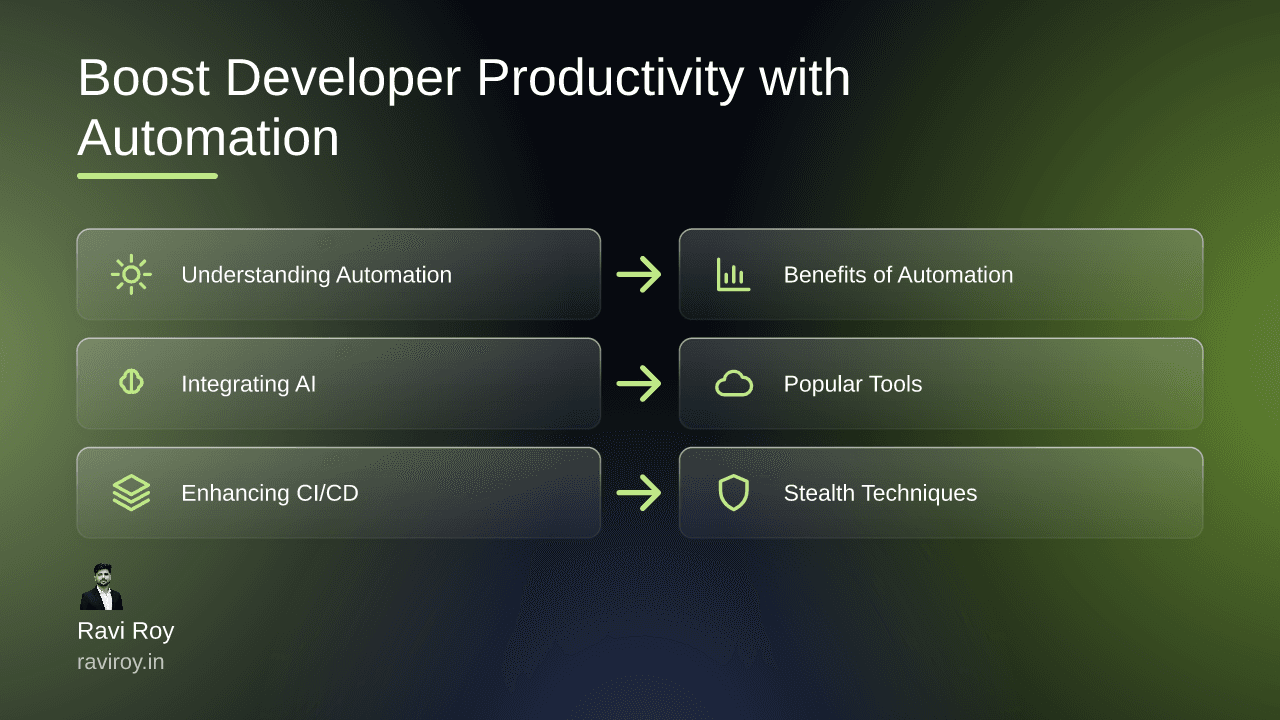
Boost Developer Productivity with Automation: Explore Browser Agents
Imagine cutting the hours you spend on monotonous tasks in half, or completing testing processes with unparalleled accuracy. Welcome to the world of browser automation, a game-changing solution for developers looking to boost productivity.
Understanding Browser Automation
What is Browser Automation?
Browser automation involves using software tools to control a web browser’s actions. This means automating navigation, data entry, or interactions typically performed by users. Developers leverage browser automation not only to streamline testing but also to carry out web scraping and repetitive tasks effectively, saving both time and effort.
Common Use Cases for Developers
Browser automation caters to several use cases that significantly enhance developer workflow. Here are a few examples:
Testing: Automation tools can run extensive test suites by mimicking user actions across multiple browsers, ensuring that applications function as expected.
Web Scraping: Developers often automate the extraction of data from multiple web pages, allowing them to gather information quickly and efficiently.
Repetitive Interactions: Tasks that require consistent engagement with web forms—like automated submissions or data entry—become trivial with automation.
The benefits are profound: not only does automation increase speed, but it also boosts accuracy, reducing human errors during testing and repetitive tasks (source).
Benefits and Challenges of Automation
Advantages of Using Automation
The most significant advantage of browser automation stems from its capacity to reduce manual testing time. Automated scripts can run tests 24/7, allowing developers to focus on more complex tasks. This not only accelerates the development cycle but also enhances product quality—problems identified early are easier and cheaper to resolve.
Challenges Developers Face
Despite its advantages, browser automation isn’t without challenges:
Script Maintenance: Automation scripts require regular updates as web applications change, leading to the potential for breakages and unexpected failures.
Compatibility Issues: Solutions that work flawlessly in one browser may not perform well in another, necessitating additional development effort.
Mitigating Common Challenges
To alleviate some of the common challenges, consider implementing best practices:
Regularly Update Scripts: Establish a routine for reviewing and updating automation scripts alongside application changes.
Build Robust Error Handling: Include error-catching mechanisms in your scripts to avoid major conflicts when elements change unexpectedly.
By proactively addressing these issues, developers can ensure smoother automation processes.
Integrating AI with Automation
How AI Powers Browser Automation
Artificial Intelligence is transforming browser automation by enhancing decision-making processes. AI can help tools identify and respond to dynamic changes in the web environment, streamlining the automation experience. For instance, AI is capable of recognizing elements on web pages even when their attributes change, which allows scripts to adapt on the fly.
Real-World Applications of AI in Automation
Consider AI-powered tools that automatically handle CAPTCHA or other variations of user verification. These sophisticated systems remove a common roadblock that many automation processes face, allowing for hassle-free interactions on heavily secured platforms. As AI continues to evolve, the fusion of machine learning with browser automation will likely open new doors for developers.
Exploring Popular Automation Tools
Overview of Playwright and Puppeteer
Two standout browser automation tools are Playwright and Puppeteer.
Playwright offers a robust framework that allows developers to test in multiple browsers with a single API. It not only supports Chromium-based browsers but also Firefox and WebKit, making it versatile for cross-browser testing.
Puppeteer, primarily designed for Google Chrome, excels in headless mode and is renowned for its simplicity and speed.
When comparing the two, Playwright has the upper hand in terms of browser support and feature set (source).
Emerging Tools and Frameworks
As the landscape of browser automation continues to evolve, new tools are surfacing, each with unique functionalities and advantages. For example, frameworks like Cypress focus on end-to-end testing with a superior developer experience, while Selenium remains a reliable choice for broad compatibility.
To get started with these tools, refer to their official documentation and community resources, which often contain tutorials, examples, and troubleshooting advice.
Enhancing CI/CD with Browser Automation
Integrating Automation Into CI/CD Pipelines
A streamlined CI/CD pipeline can greatly benefit from browser automation. Automation can be integrated into testing phases to run automated tests in parallel with code deployments. This ensures that only verified code reaches production, reducing the risk of introducing bugs.
Best Practices for Seamless Integration
Integrate browser automation tools into CI/CD workflows using tools like Jenkins or CircleCI. Establish guidelines for testing, including:
Define Success Criteria: Clearly outline what a successful test run should look like.
Regularly Review Pipeline Performance: Assess the effectiveness of your automated tests and adjust as necessary.
By following these practices, developers can achieve stable builds with ease.
Stealth and Anti-Detection in Automation
The Importance of Stealth
Stealth in browser automation is crucial, especially for tasks such as web scraping, where detection can lead to IP bans or other repercussions. Many bots are identified through their behavior, and maintaining a low profile is vital.
Techniques for Avoiding Detection
There are several techniques developers can employ to keep their automation stealthy:
Randomized Requests: Varying the timing and patterns of requests can help mimic human behavior.
Obfuscation Methods: Implementing user agent rotation or using headless browsers can obscure the identity of your scripts.
Successful examples of stealth practices can be found in case studies across various industries, demonstrating the efficacy of these techniques.
Future of Browser Automation
Trends Influencing Browser Automation
The future of browser automation looks promising, driven by trends like low-code and no-code solutions. These tools are making it accessible for non-developers to build automated processes with simple interfaces. As these developments take center stage, the democratization of automation will likely continue.
Predictions and Innovations
Looking ahead, advancements in AI and shifting web standards will shape the next generation of browser automation. Cloud-based solutions are expected to enhance accessibility, enabling teams to automate from anywhere, fostering collaboration and efficiency.
As the landscape evolves, developers must stay informed and adaptable to leverage these innovations optimally.
What experiences have you had using automation agents for development? Share your insights!
💬 Join the conversation — share your take in the comments and tell us what you’d add.